AI-Powered · Built for Business
Business expense tracking that actually works
Snap a receipt, forward an invoice, or upload a PDF — Traxly's AI reads it instantly and keeps your small business books clean. Free to download on iPhone.
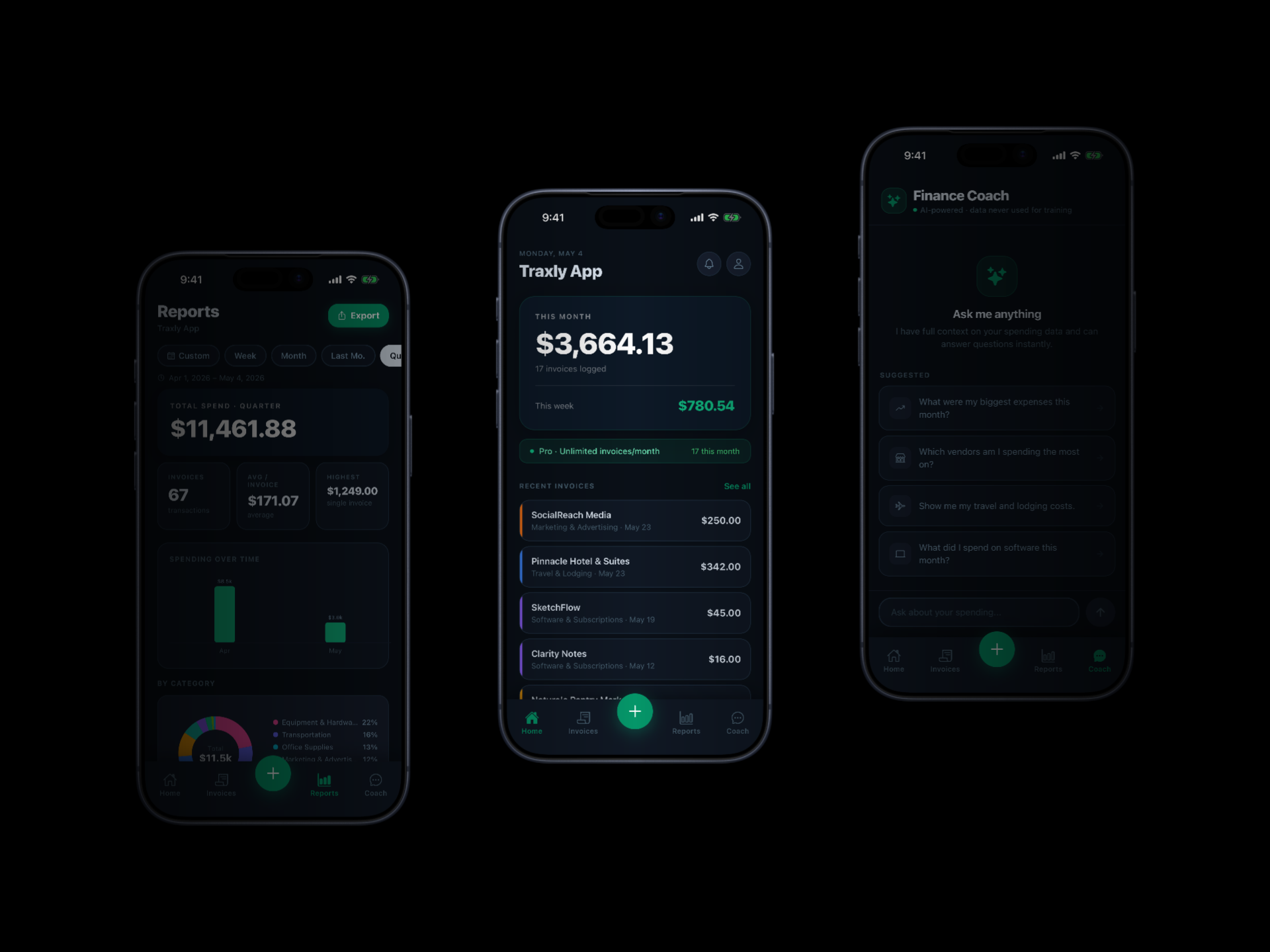
Snap a receipt, forward an invoice, or upload a PDF — Traxly's AI reads it instantly and keeps your small business books clean. Free to download on iPhone.
Watch how expenses are captured, categorised, and turned into clean reports — in seconds.
A dark, focused interface designed to keep your finances organised without the admin burden.
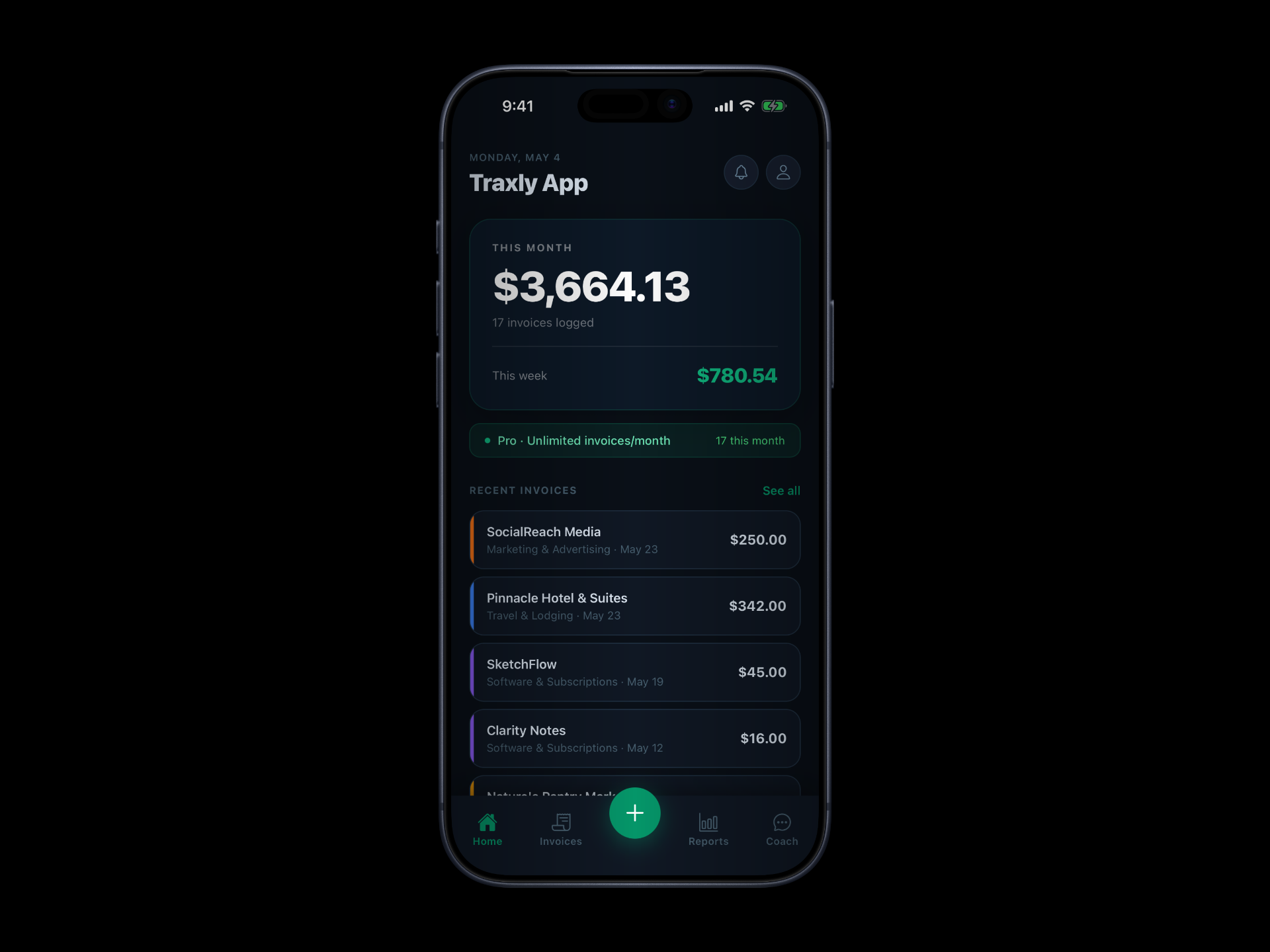
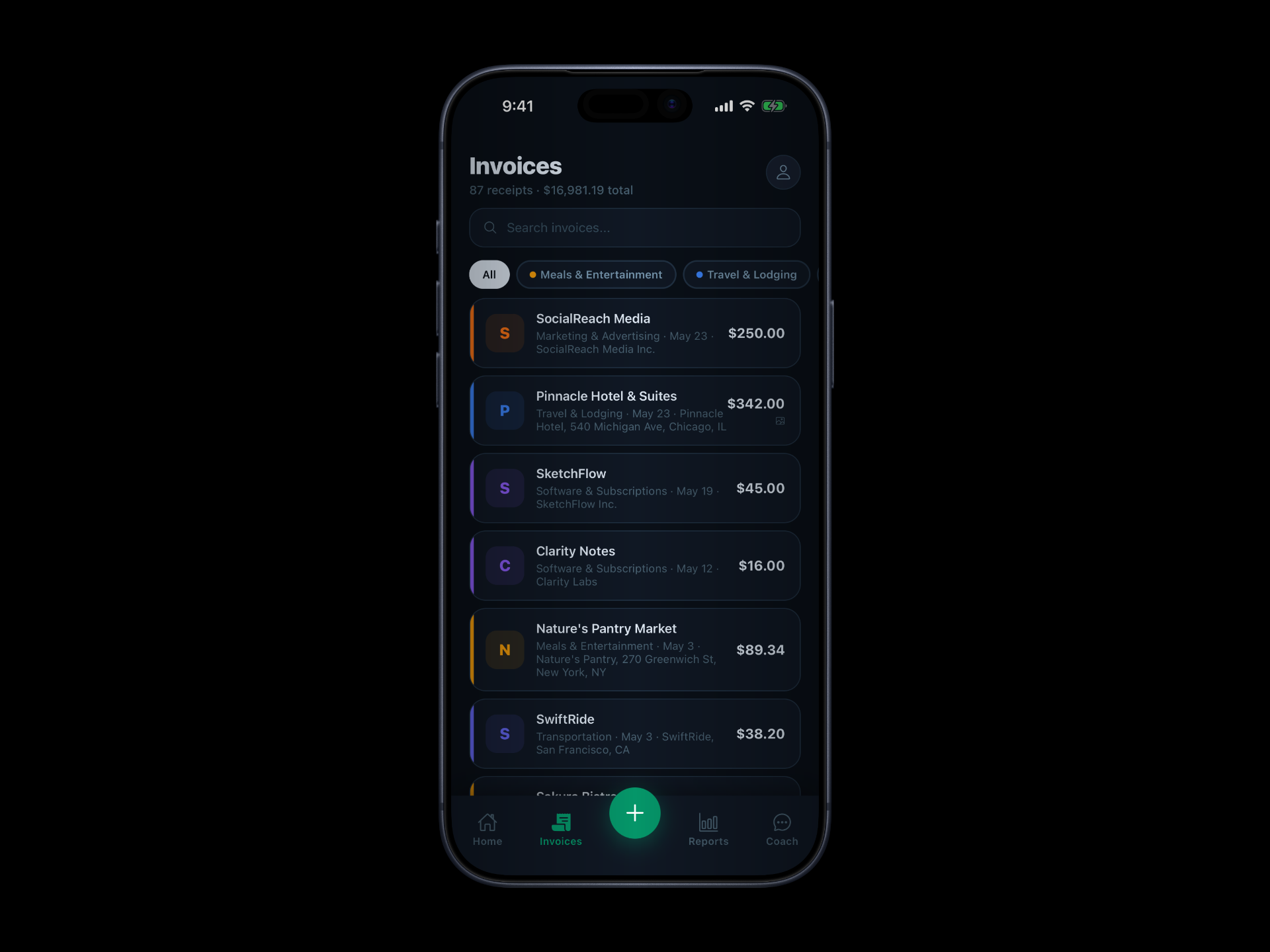
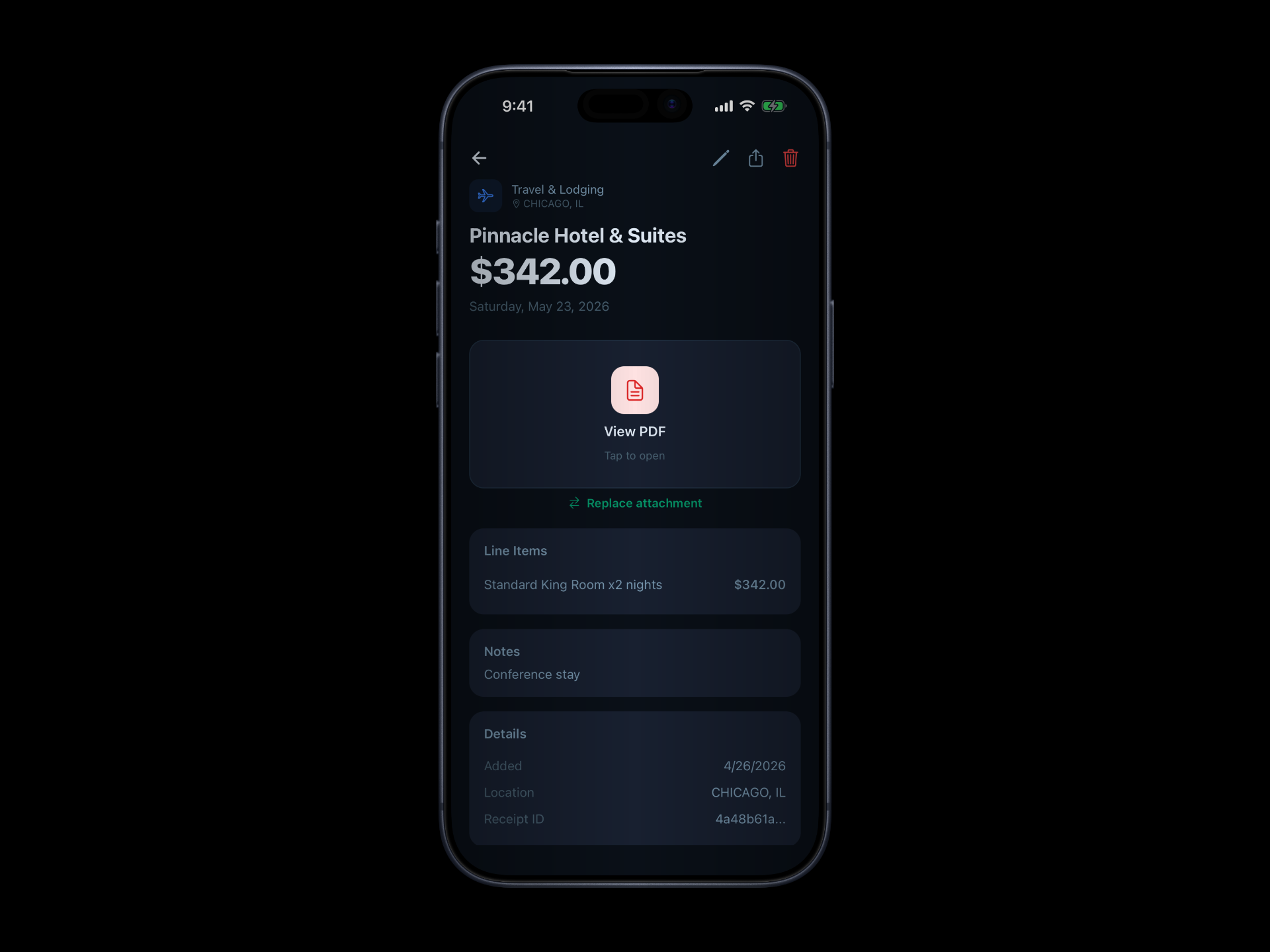
From scanning a paper receipt to exporting a full business expense report — Traxly handles the entire workflow for small businesses and the self-employed.
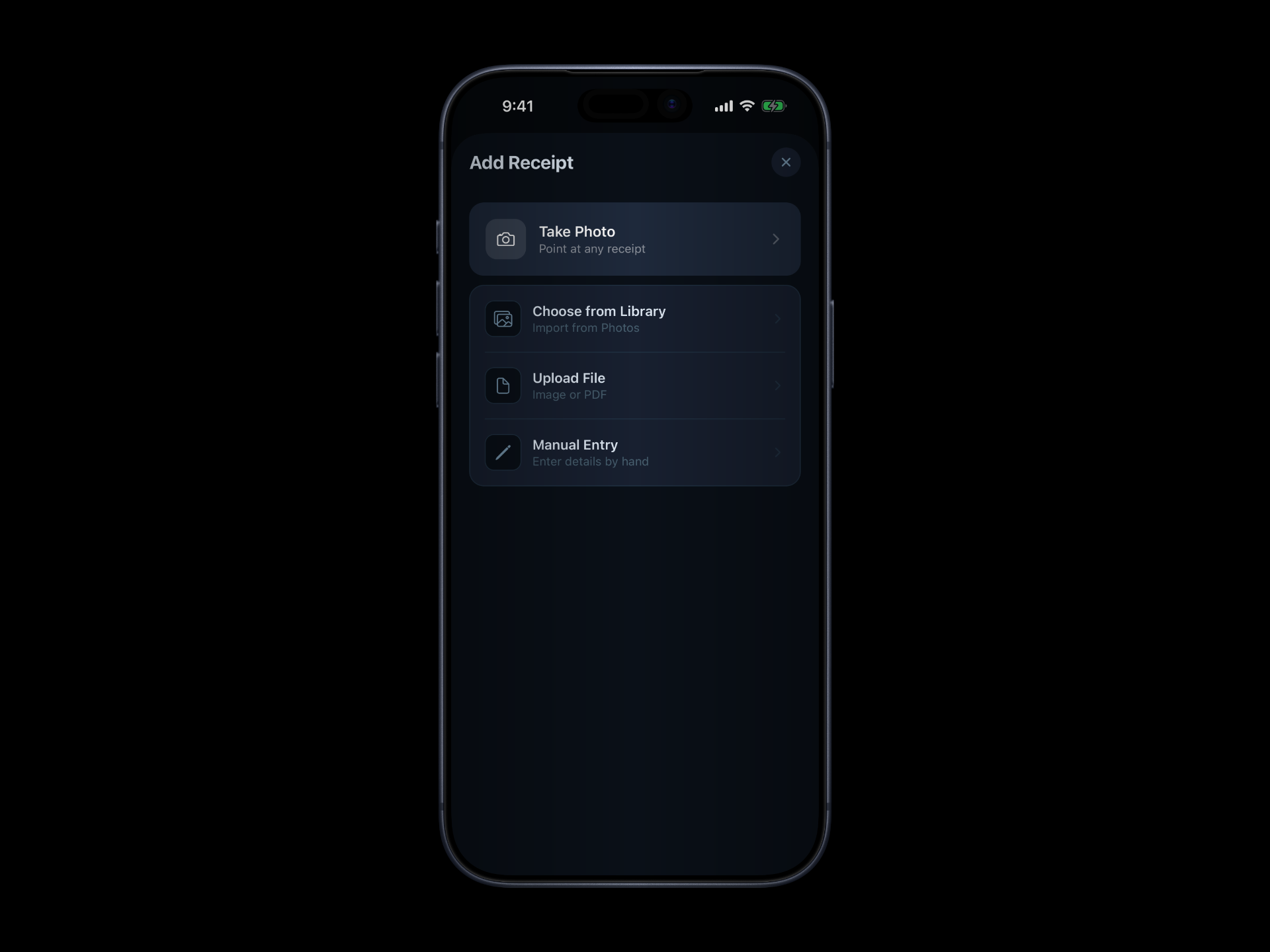
Point your iPhone camera at any receipt or invoice. Traxly's AI extracts the merchant, amount, date, category, and line items automatically — no typing needed.
Upload PDF invoices directly from your files app. View them in the built-in PDF reader, share, or download — all within the app.
Forward any invoice email to your unique Traxly address. AI reads the attachment and adds it to your books in seconds. No manual entry.
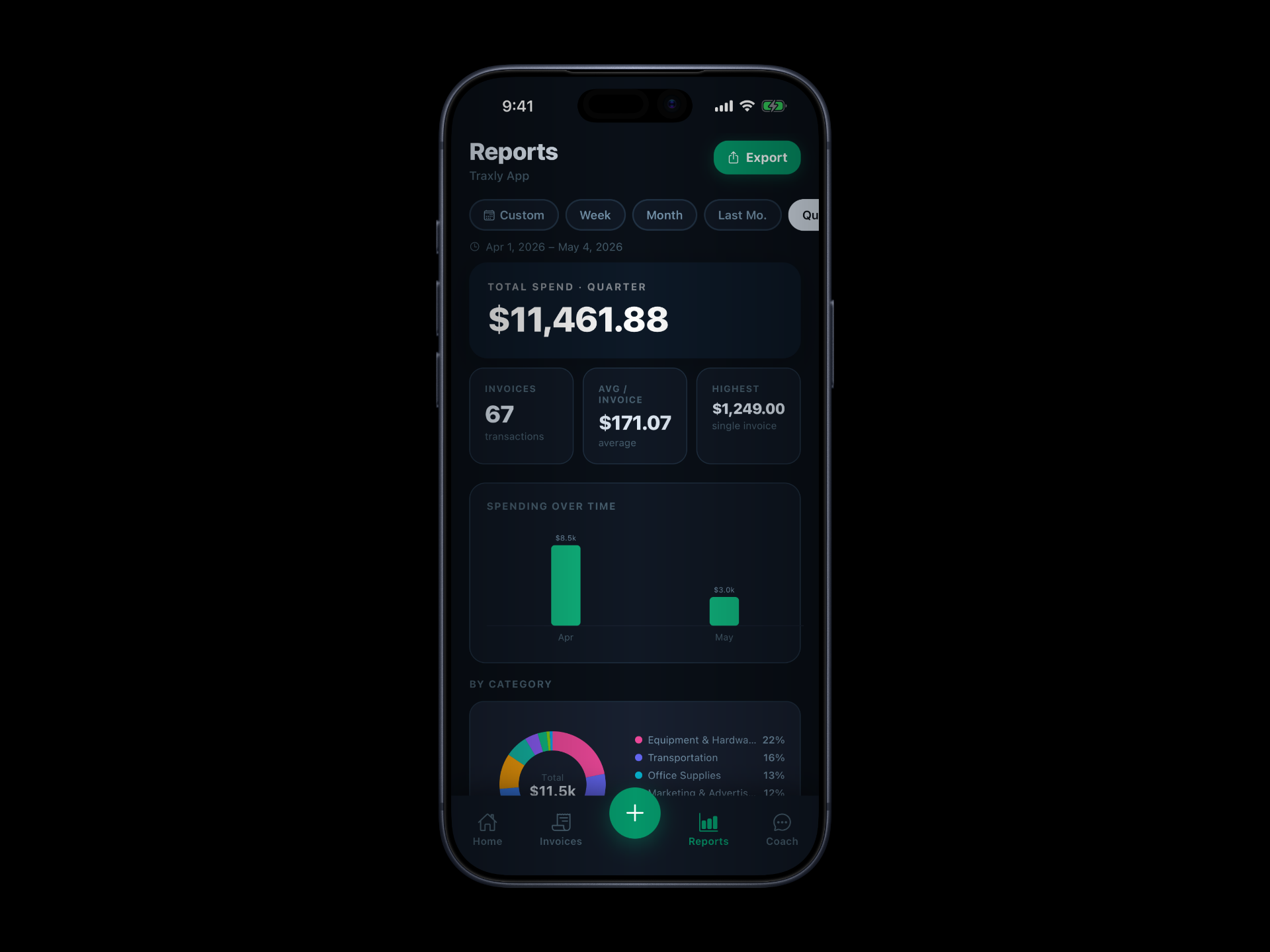
Weekly, monthly, and quarterly spending charts, category breakdowns, and top vendor tables. Export a full report as PDF or CSV for your accountant.
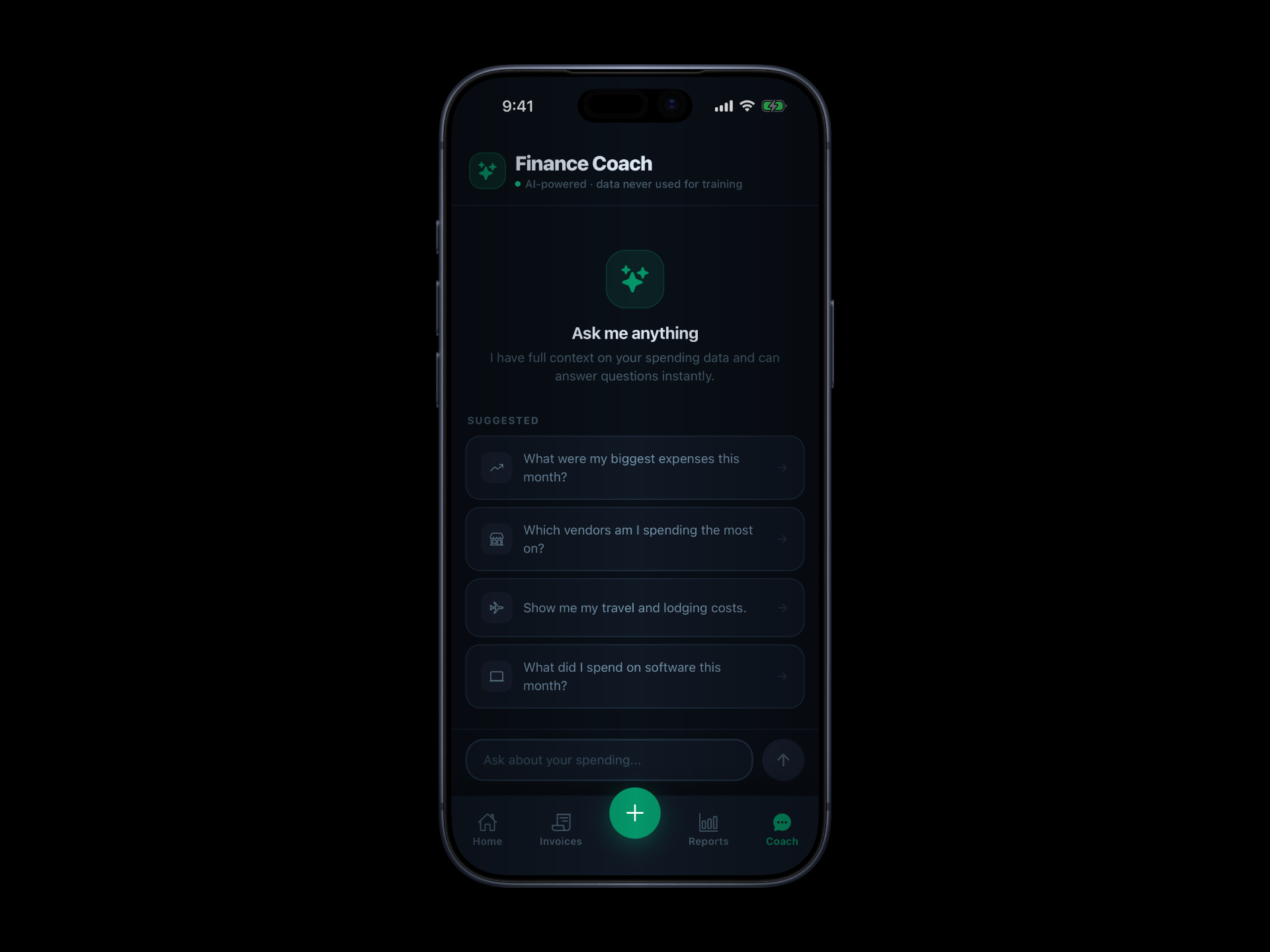
Ask anything about your business expenses. The AI coach analyses your actual receipts and gives you specific, actionable answers — not generic advice.
Meals & Entertainment, Travel, Software, Marketing, and more. Every expense is automatically categorised so your reports are always ready.
No accountant required. No spreadsheets. No chasing receipts at tax time. Just a simple expense tracker for your iPhone.
Take a photo, pick from your library, upload a PDF, or forward an email. Traxly accepts any format your vendors send.
Gemini AI reads the document and pulls out every detail — merchant, total, tax, line items, date, and location — in seconds.
View your business expenses by category, vendor, or time period. Export a polished PDF or CSV for your accountant whenever you need it.
Real-time breakdowns by category and vendor, with quarterly charts so you can spot trends before they become problems.
Ask anything about your spending. The Finance Coach has full context on your actual receipts and gives you real, specific answers — not generic financial advice.
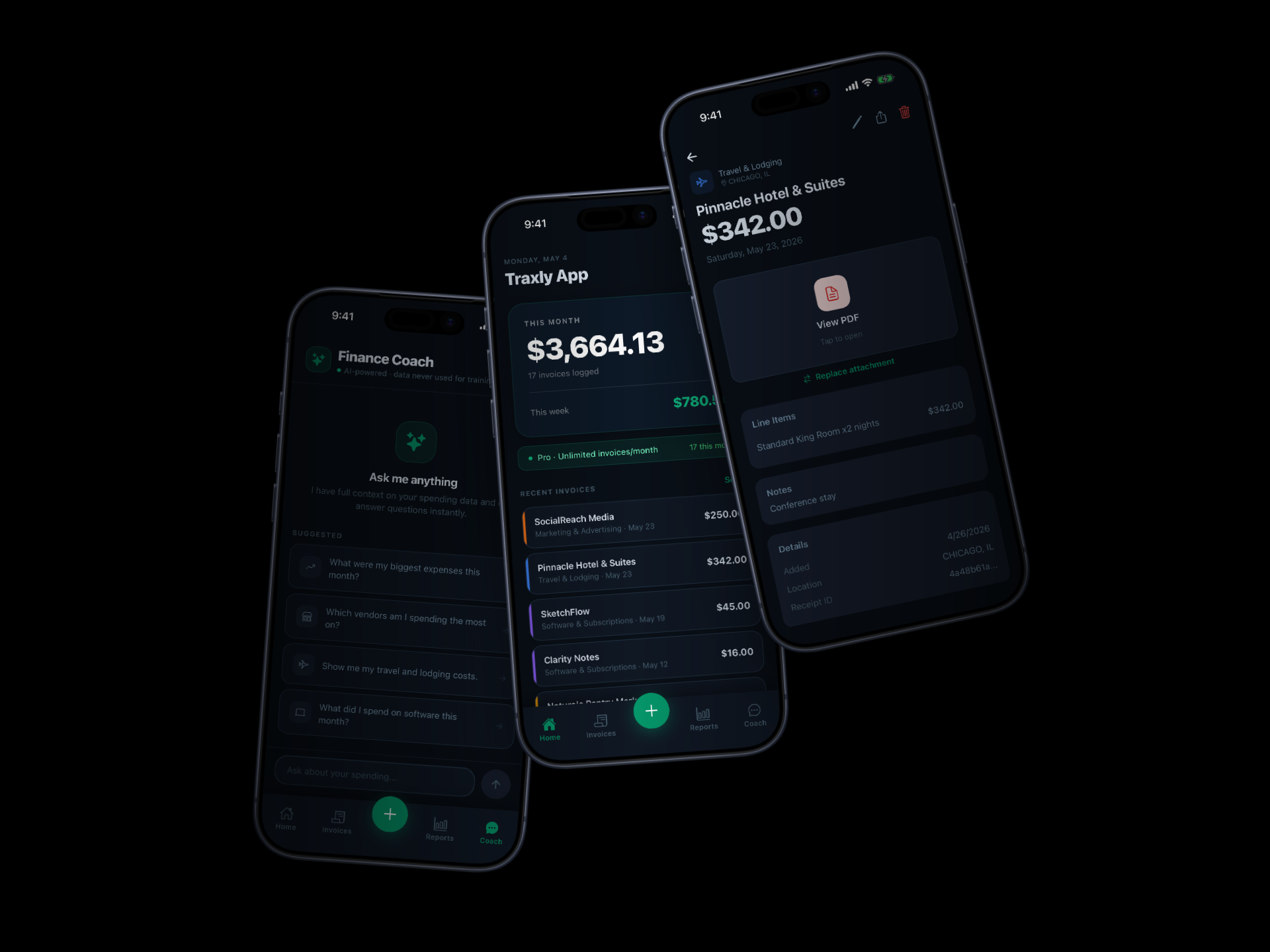
Download for iPhone today and start tracking your business expenses in seconds. Free to get started.